Ziggi’s Rewards

Ziggi's Rewards Program

Your next drink is on us!

Join Ziggi’s Rewards for a FREE small drink after your first purchase.*
Plus earn reward dollars, exclusive perks & more!

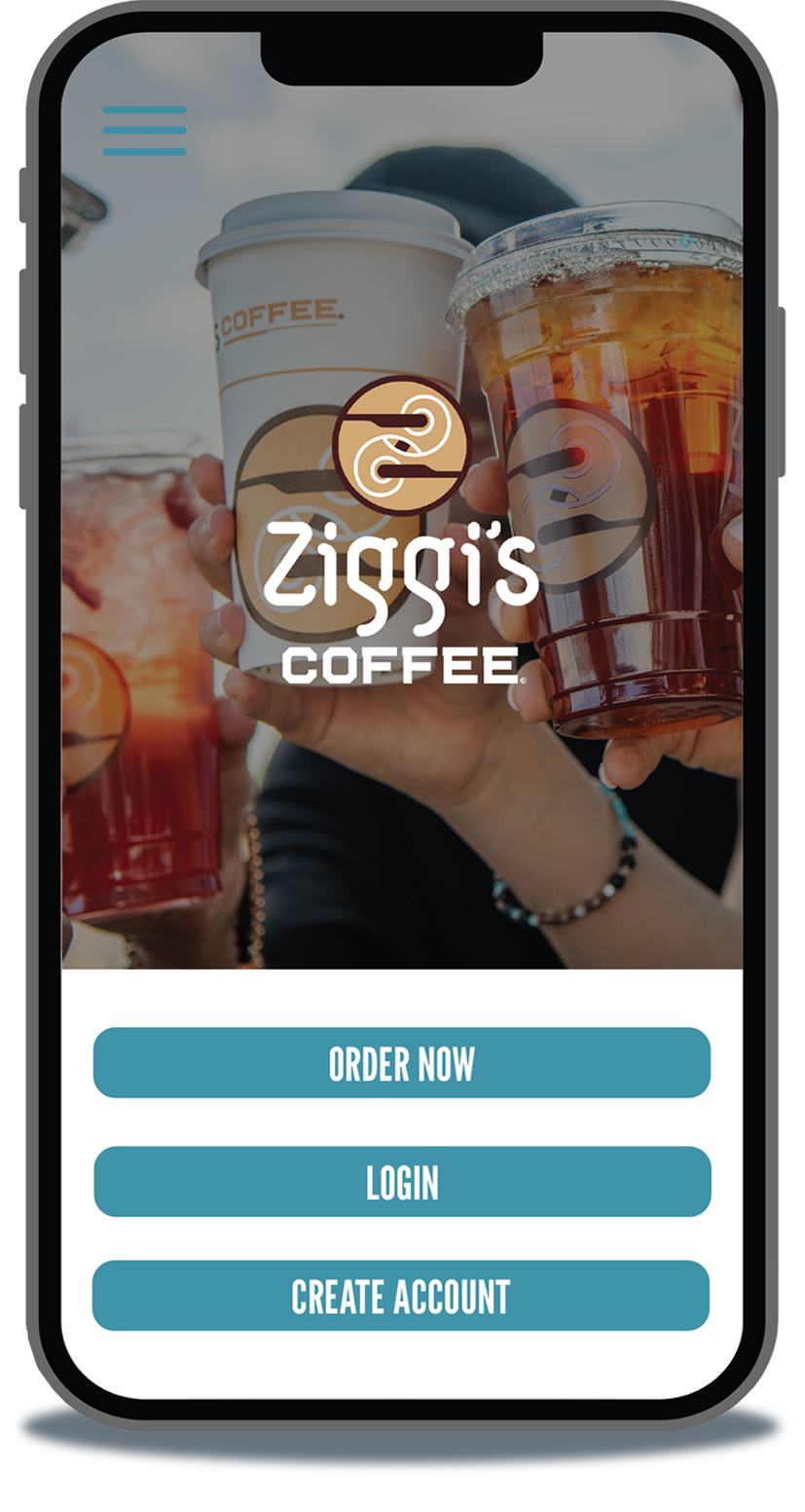
Download the Ziggi's Coffee app today!

Download the Ziggi’s Coffee app today.

Get Started

Join Rewards icon

Join

Create a Ziggi's Rewards account online or through the app.

Earn Rewards icon

Earn

Collect rewards with every purchase made through your Ziggi’s Rewards account.

Get Rewarded icon

Get Rewarded

Rewards will load immediately to your account and be available towards purchases.
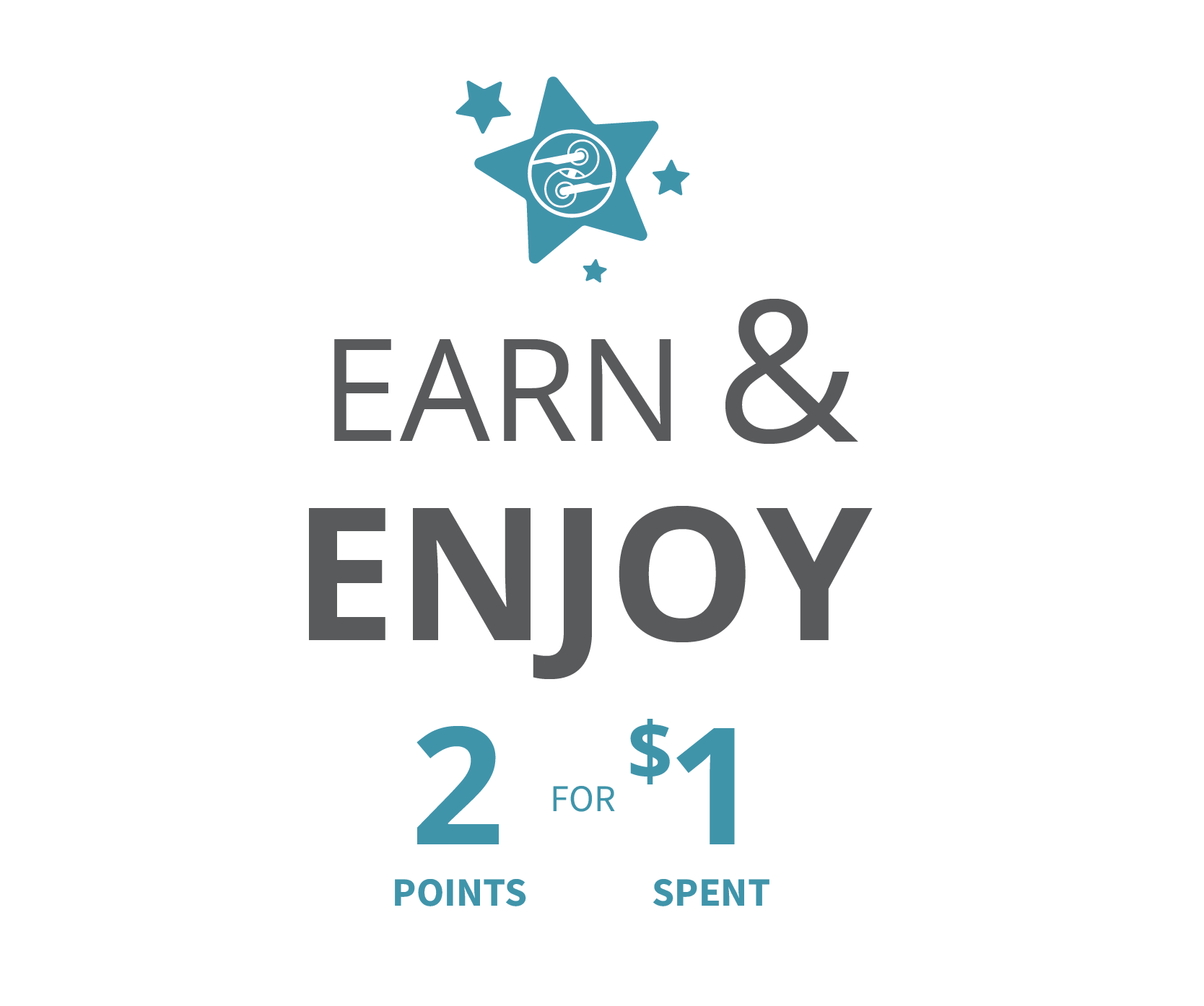
Earn and Enjoy 2 points for every dollar spent

PLUS

Free Welcome Drinks

Receive a free small drink after your first purchase

Reward Dollars

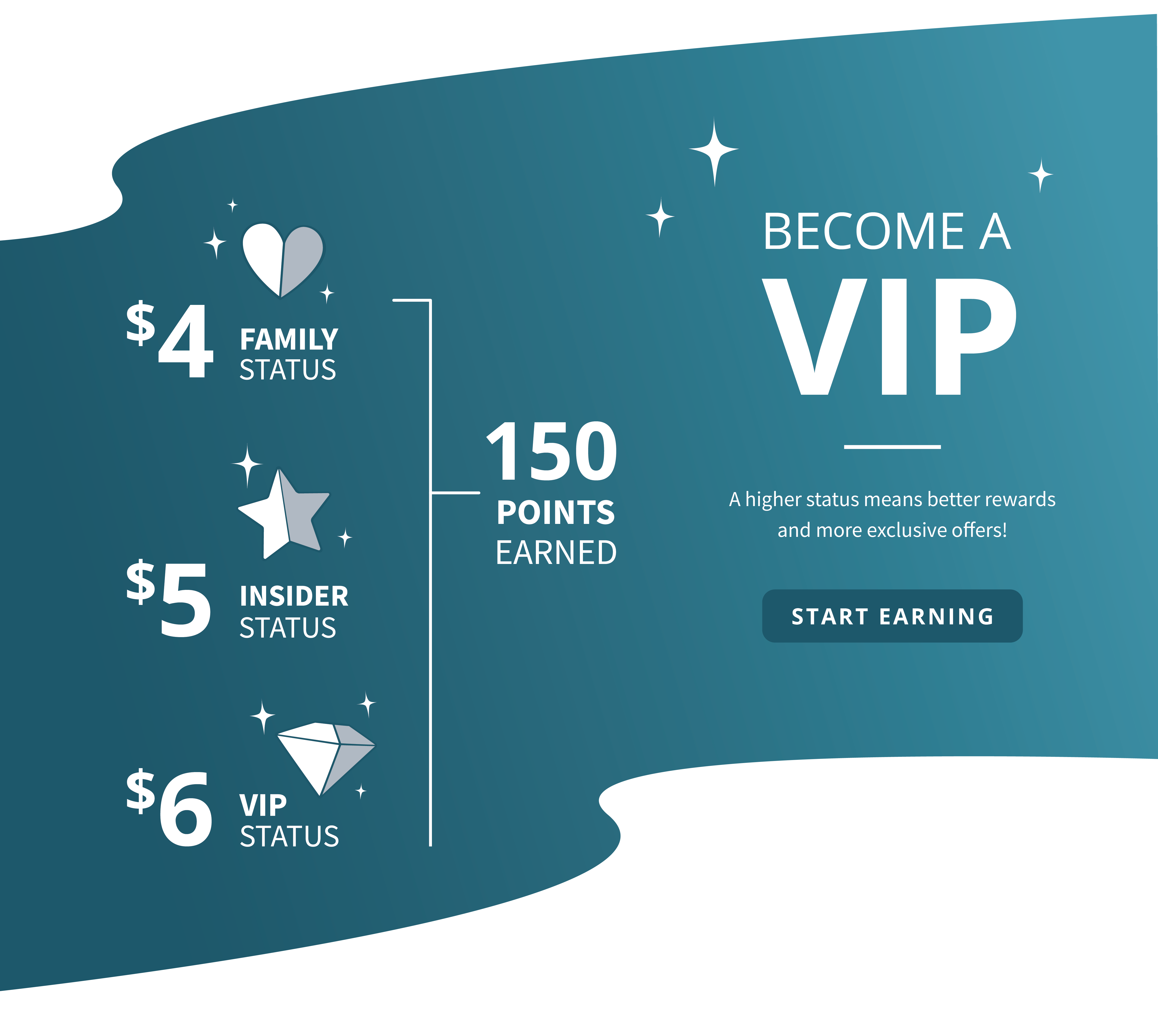
Earn reward dollars every time you reach 150 points

Double Point Tuezdays

Earn 4 points for every $1 spent on Tuesdays

Free Birthday Drink

Celebrate with a free drink the month of your birthday

In-app Offers

Become a VIP Banner - A higher status means better rewards and more exclusive offers!
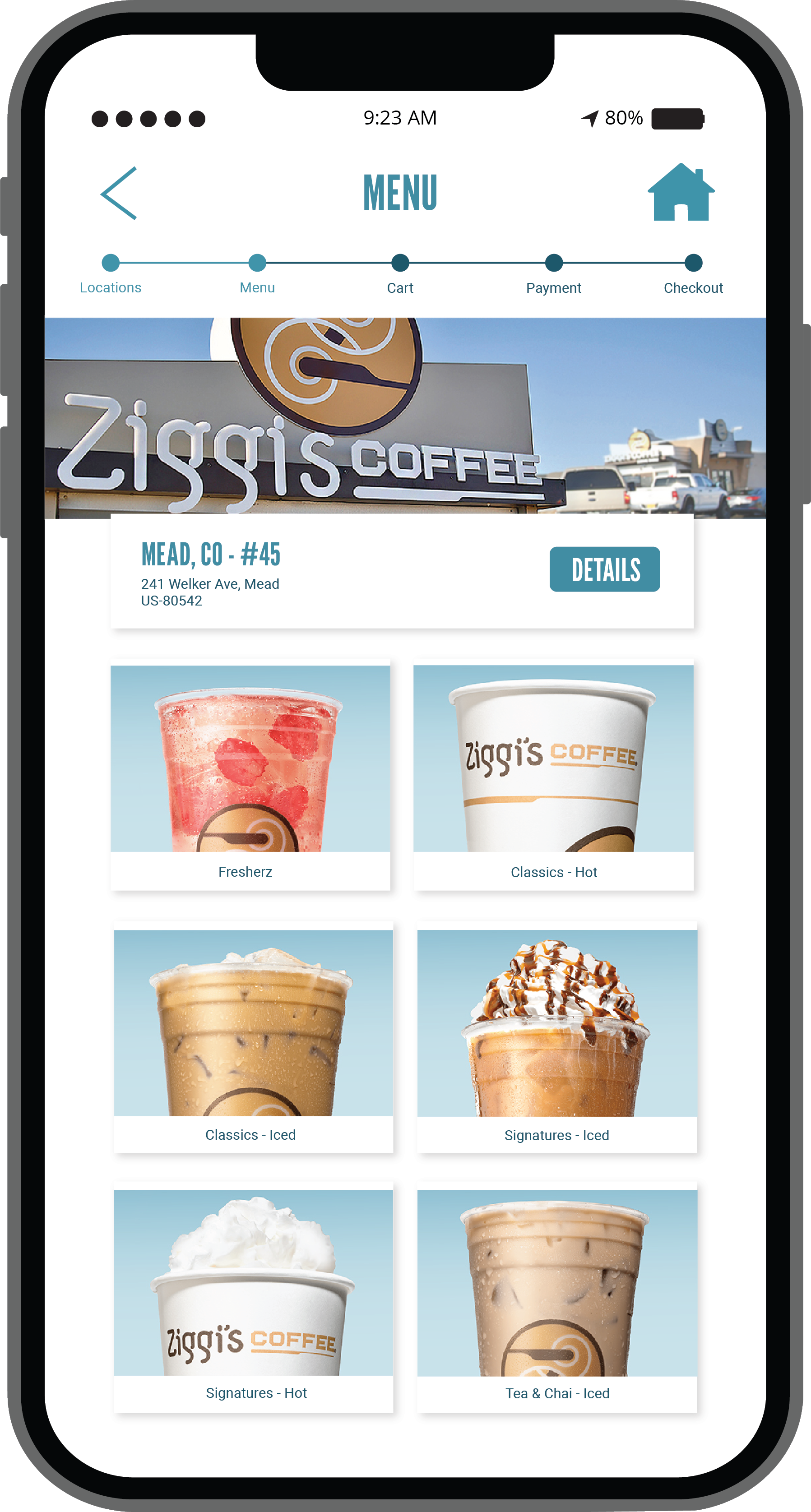
Image of Ziggi's Coffee Ordering App

Skip the line.

The ultimate level of convenience!

  • Order ahead at your fingertips
  • Easy pay with pre-loaded funds, rewards & digital gift cards
  • Find a location quickly

Rewards Questions?

Have questions? We’ve got answers! Read some of our most frequently asked Ziggi’s Rewards questions below.

When you change your payment preference to Preload/Reload, you’ll load money into your account immediately. Your purchases will then be paid for out of that preloaded balance. When your preloaded balance falls below the preload minimum threshold, more money will be reloaded for you automatically. 

Head into your app settings and tap the option to manage your card or payment method. When you add a card to your account, it will automatically replace your previous card on file. Please follow these steps even if you only need to update the expiration date on your card, as information cannot be edited after the fact. 

Our mobile app is available to download and utilize on iOS and Android devices. 

You will be able to activate the auto-preload function once you have a saved credit card in your rewards account. This will not occur automatically, as it needs to be enabled by you. Once enabled, you will need to select the amount you would like to auto-preload and when you would like this action to be triggered. (I.e., when your preloaded funds fall below $10, automatically add $25 to your account.) 

You will receive an email confirmation anytime you activate, deactivate or reactivate the preloaded fund's function.  

Rewards do expire within a certain time frame, depending on the offer. For offer details, make sure to review any communication we send you. If you have any additional questions, please contact us.